
01
Open the Montis App
Open the app in Chrome, Edge, Brave, Safari or another modern browser.
Select Connect Intervals to begin.
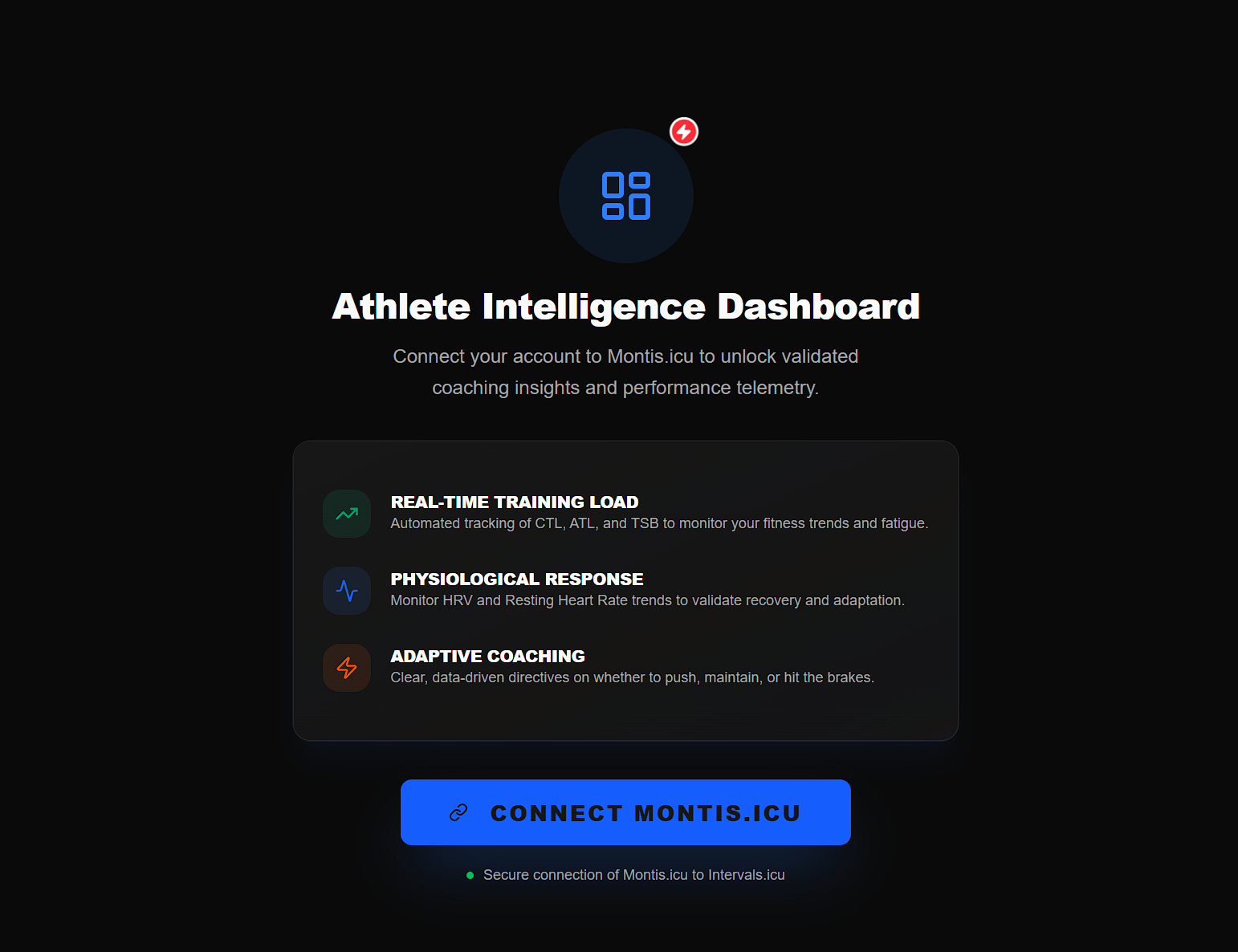
Complete experience
The Montis App provides athlete dashboards, reports, calendar and workout tools, activity analysis and optional Gemini-powered AI coaching in one browser application.
Open the app in Chrome, Edge, Brave, Safari or another modern browser.
Select Connect Intervals to begin.
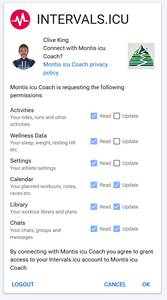
Approve the Intervals.icu authorisation request without removing any requested permissions.
This allows Montis to read your athlete data and, where you explicitly request it, create or update calendar events.
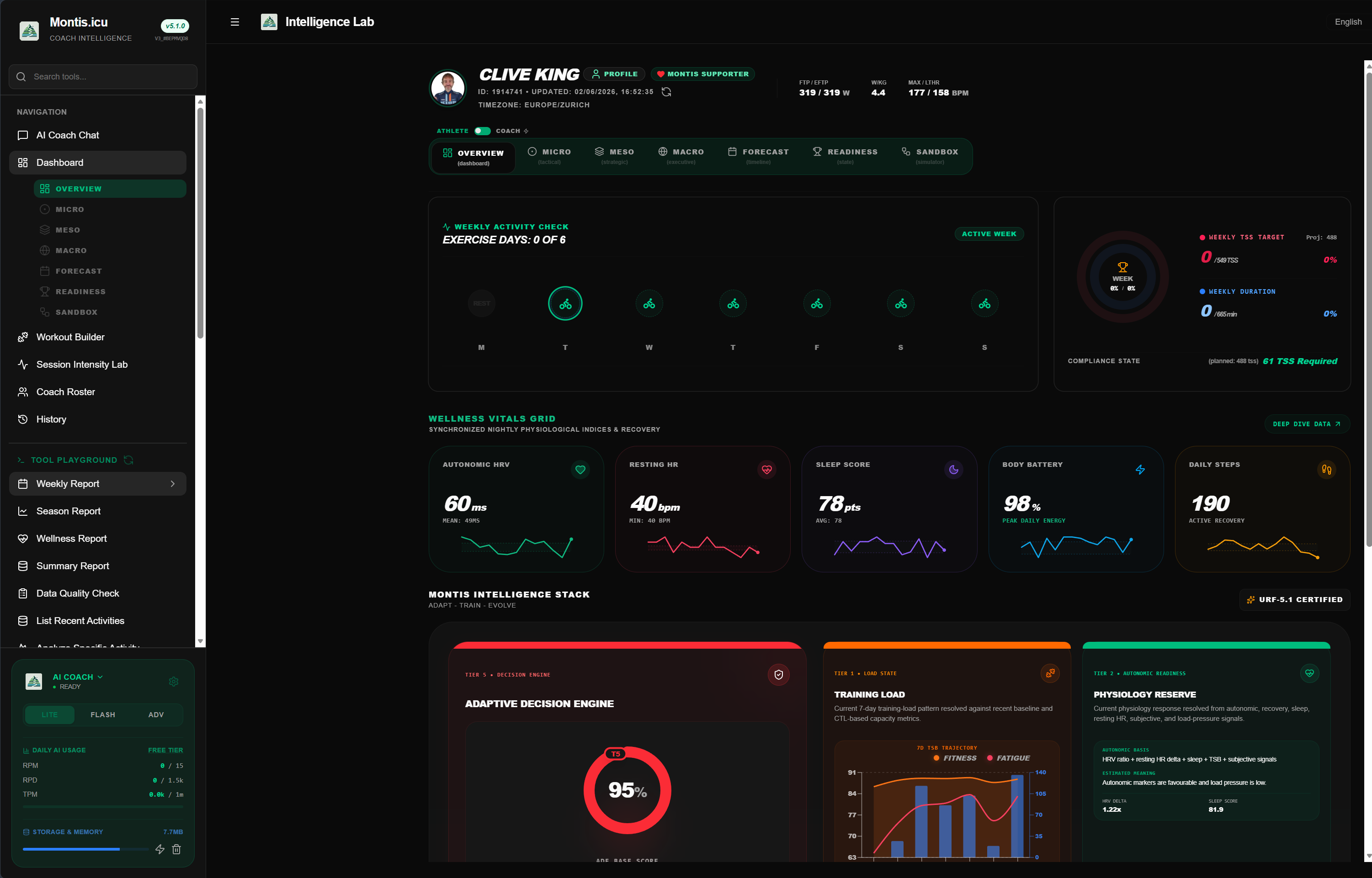
After authorisation, return to the Montis App.
Your athlete dashboard and standard Montis tools are available without entering a Gemini API key.
Optional AI access
The athlete dashboard and standard Montis tools do not require a Gemini API key. An AI access method is only required for Gemini-powered coaching and report interpretation.
A Montis subscription includes managed Gemini AI usage together with subscriber features.
Subscribers do not need to maintain a personal Gemini key while using their included Montis allowance.
Purchase subscription →You can use your own Google Gemini Free Tier API key.
Availability and quotas are controlled by Google and may change.
Open Google AI Studio ↗You can also use a Gemini API key connected to your own Google paid billing account.
Usage, quota and billing remain directly between you and Google.
View Gemini pricing ↗You're connected
Start with a report, then use Montis to question the findings, understand what is changing and decide what should happen next.
Run a weekly report
How is my training progressing?
What should I focus on next week?