
Montis App
The full browser experience with dashboards, reports, planning, activity analysis, workout tools and optional Gemini AI.
- Best place to explore Montis
- Works without an AI key for standard tools
- Installable as a web app
Montis setup
Connect your Intervals.icu account, choose the interface that suits how you work, and start turning your training data into useful coaching decisions.
Montis uses your Intervals.icu account as the shared athlete identity. The Montis App, ChatGPT and Claude use different connection flows but resolve to the same athlete data where required.
Choose your experience
You do not need to configure every interface. Pick the one that best suits how you want to use Montis. You can add the others later.
The full browser experience with dashboards, reports, planning, activity analysis, workout tools and optional Gemini AI.
Use Montis through natural-language coaching conversations, reports and training decisions directly inside ChatGPT.
Connect Claude directly to Montis through Model Context Protocol and make Montis tools available in Claude conversations.
One shared connection
Your athlete data remains in Intervals.icu. Montis securely resolves your authorised athlete account and exposes the appropriate tools to the interface you choose.
New to Intervals.icu?
If you are setting up Intervals.icu for the first time, follow this guide before connecting Montis.
Complete experience
The Montis App provides athlete dashboards, reports, calendar and workout tools, activity analysis and optional Gemini-powered AI coaching in one browser application.
Open the app in Chrome, Edge, Brave, Safari or another modern browser.
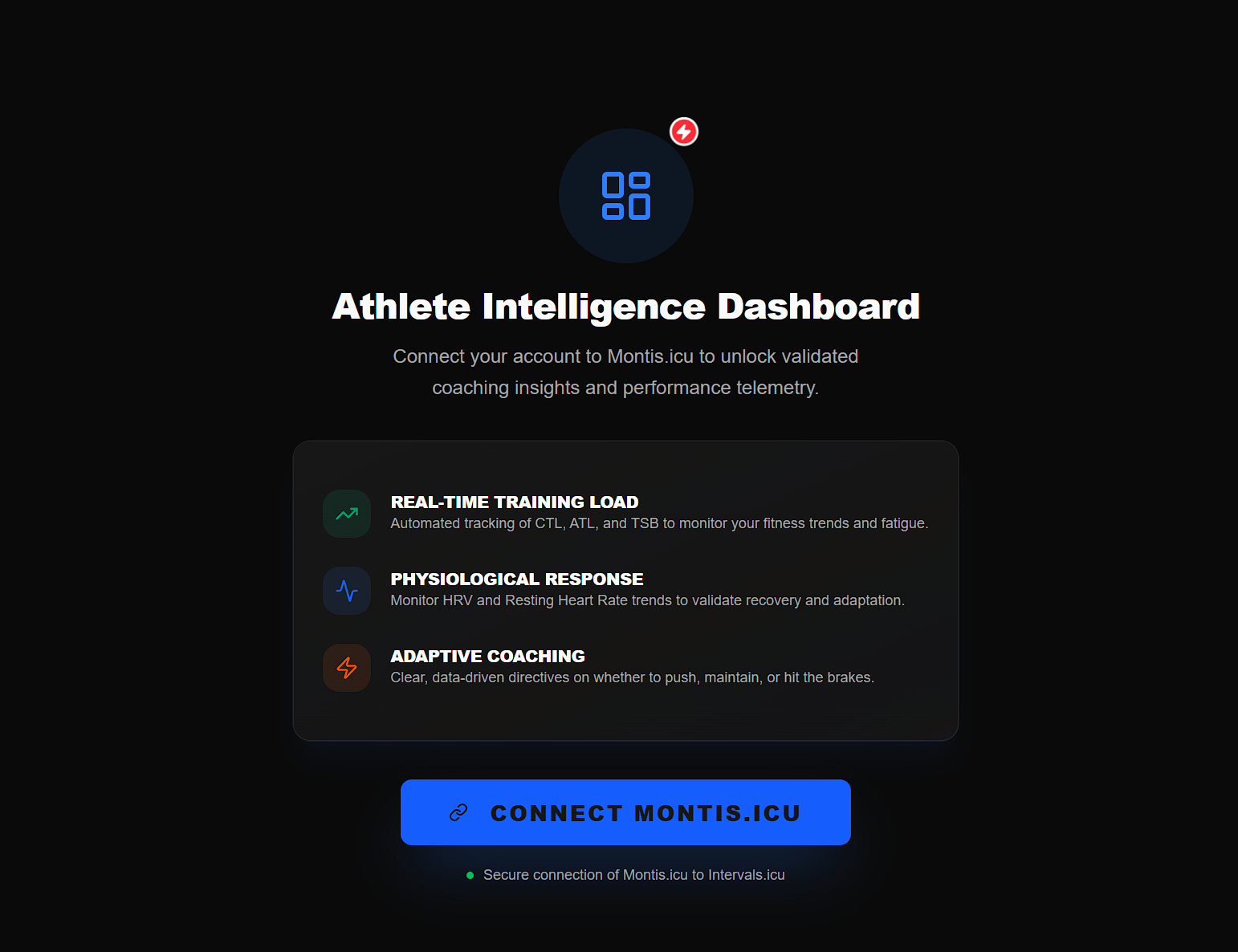
Select Connect Intervals to begin.
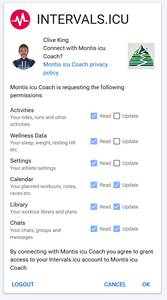
Approve the Intervals.icu authorisation request without removing any requested permissions.
This allows Montis to read your athlete data and, where you explicitly request it, create or update calendar events.
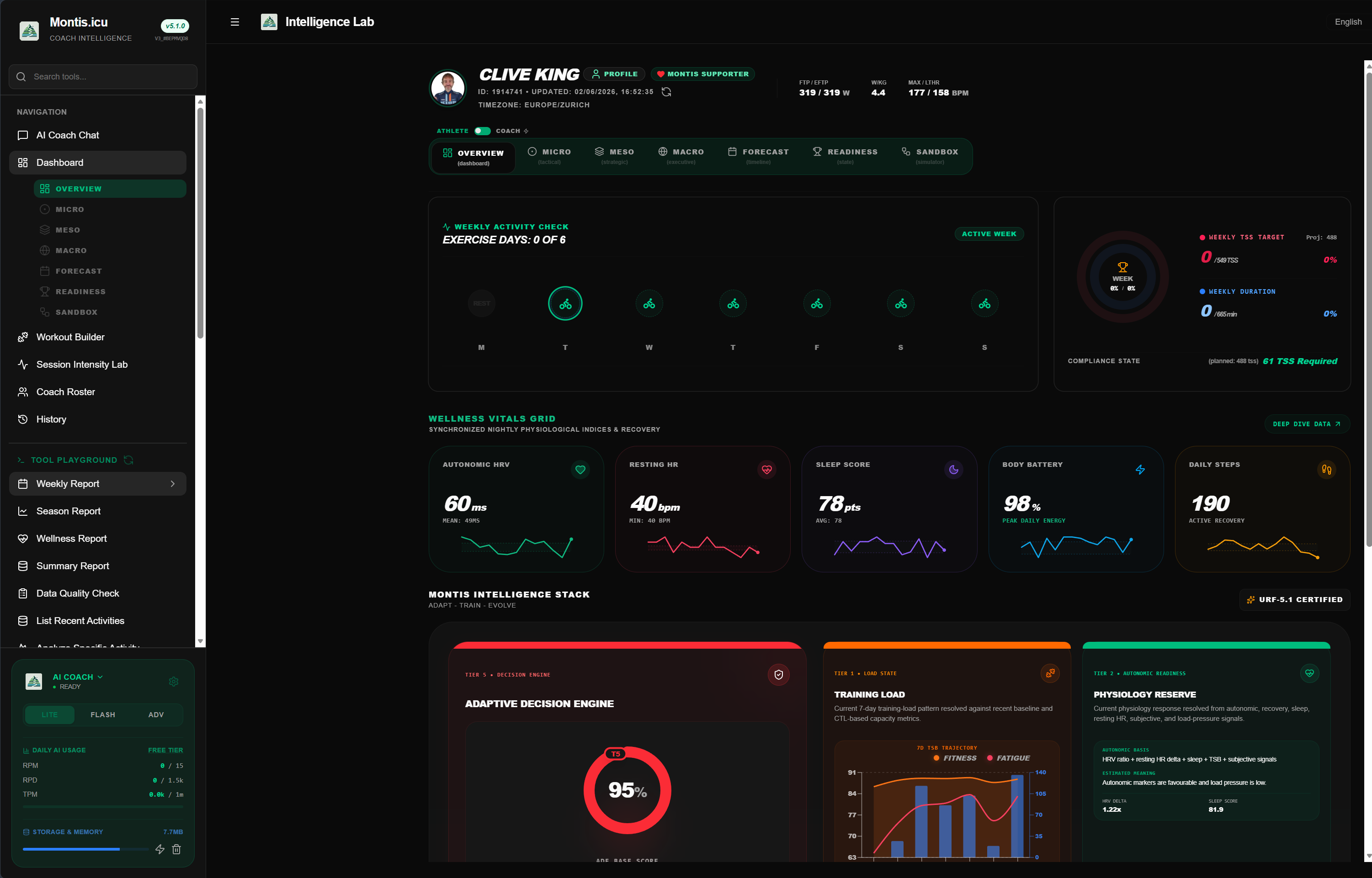
After authorisation, return to the Montis App.
Your athlete dashboard and standard Montis tools are available without entering a Gemini API key.
Optional AI access
The athlete dashboard and standard Montis tools do not require a Gemini API key. An AI access method is only required for Gemini-powered coaching and report interpretation.
A Montis subscription includes managed Gemini AI usage together with subscriber features.
Subscribers do not need to maintain a personal Gemini key while using their included Montis allowance.
Purchase subscription →You can use your own Google Gemini Free Tier API key.
Availability and quotas are controlled by Google and may change.
Open Google AI Studio ↗You can also use a Gemini API key connected to your own Google paid billing account.
Usage, quota and billing remain directly between you and Google.
View Gemini pricing ↗Conversational coaching
Open the Montis.icu Coach in ChatGPT, sign in to Montis and authorise your Intervals.icu athlete account.
For the first connection, using ChatGPT in a web browser is the simplest route.
Open Montis and ask:
run a weekly report
ChatGPT will show a Montis sign-in prompt when the first Montis action is called.

If your shared Intervals.icu connection is missing or expired, Montis will ask you to connect it.
Select OK — Connect Intervals.icu and approve the requested permissions.
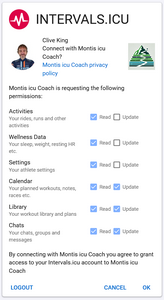
After authorisation, you are redirected back to ChatGPT and the Montis connection completes.
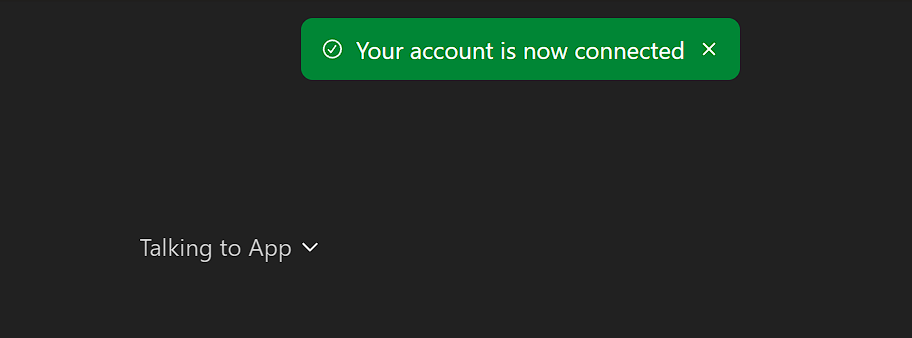
You should see confirmation that the connection succeeded.
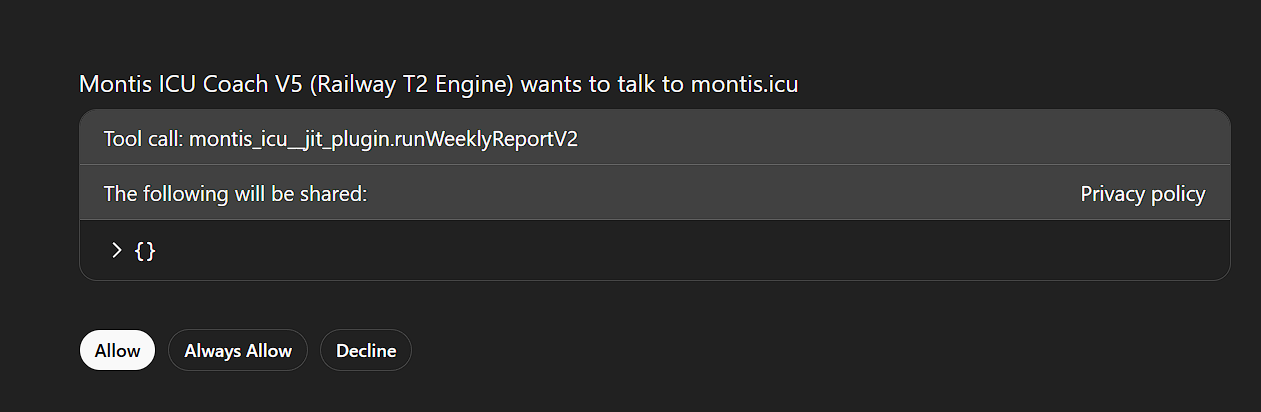
When ChatGPT asks for permission to use the Montis action, you can select Always allow if you do not want the same tool confirmation on every request.
run a weekly report
Direct tool access
Claude connects directly to Montis through Model Context Protocol. Once connected, Montis tools can be used from normal Claude conversations.
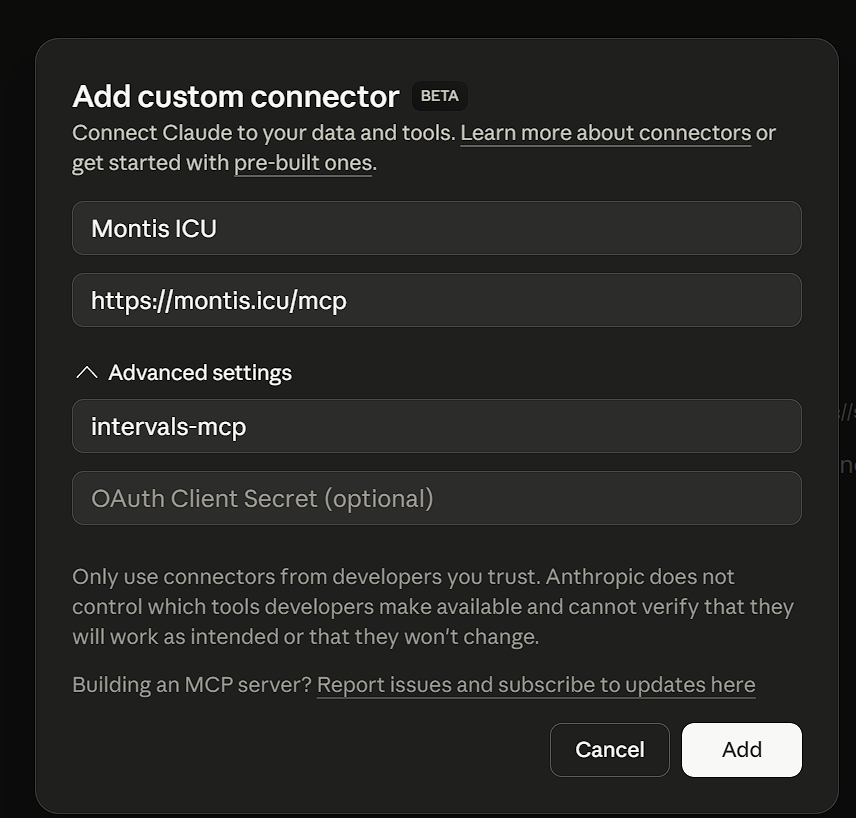
Open Claude connector settings and add the Montis MCP endpoint.
{
  "url": "https://montis.icu/mcp",
  "client_id": "intervals-mcp"
}
Claude will start the Montis OAuth flow.
Approve your Intervals.icu athlete connection when prompted.
Once connected, Claude can discover and call the Montis MCP tools directly.
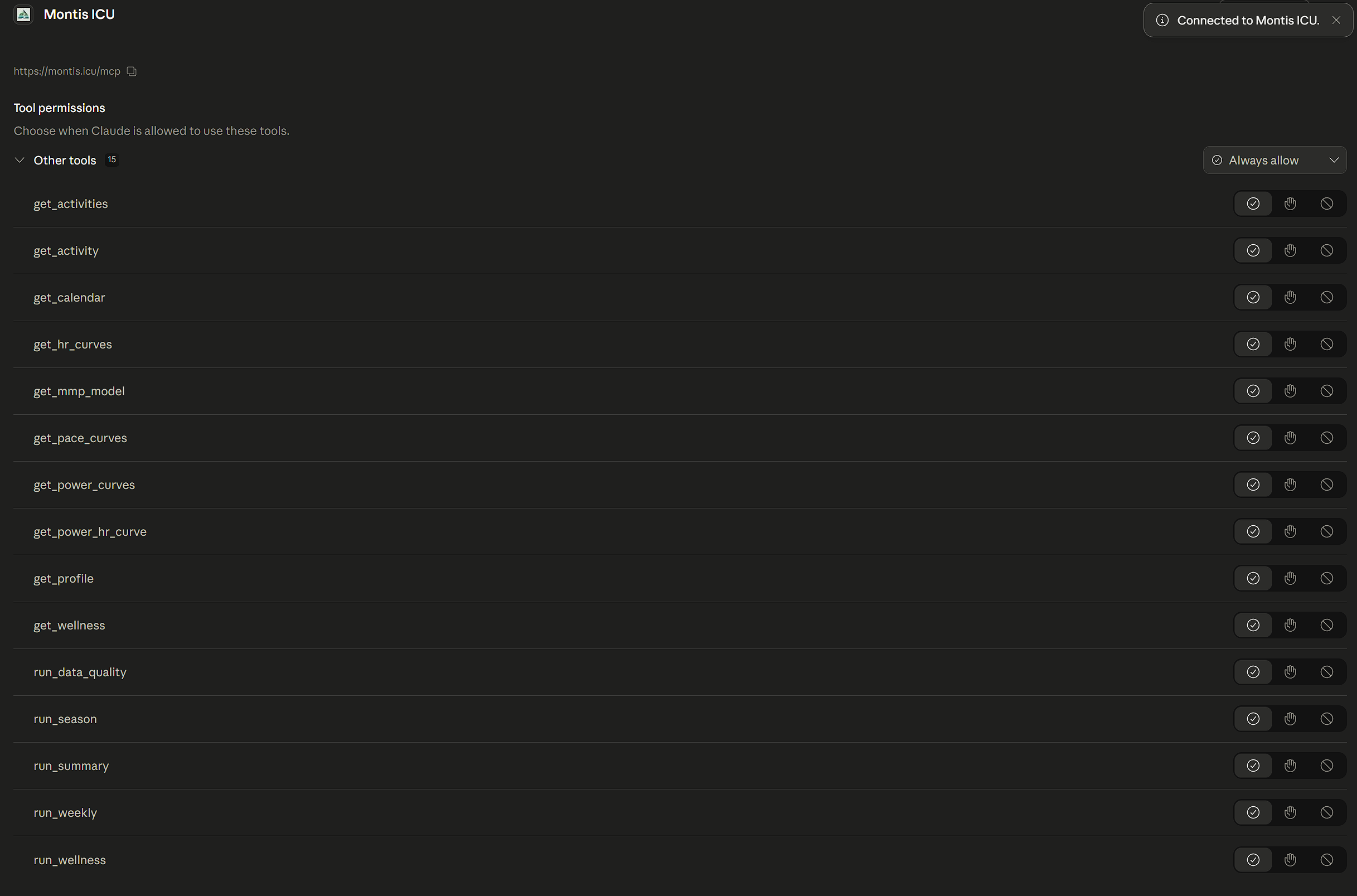
Unlike a dedicated ChatGPT GPT, the Montis connector exposes the tools to Claude conversations where the connection is available.
run weekly report
run wellness report
get activity for yesterday
You're connected
Start with a report, then use Montis to question the findings, understand what is changing and decide what should happen next.
Run a weekly report
How is my training progressing?
What should I focus on next week?
Only if something goes wrong
Most users should not need this section. Use these checks if your connection does not complete or Montis cannot access your athlete data.
A ChatGPT subscription using a Thinking model is recommended for the most reliable Montis experience.
Montis can also be used with other available ChatGPT models, but action-heavy workflows depend on ChatGPT successfully invoking the Montis tool.
The model controls the ChatGPT interaction. The underlying calculations returned by Montis remain governed by the Montis engine when the tool call succeeds.
check connection.
run weekly report.
You can also check Montis service status .
This normally means that the Intervals.icu OAuth connection was not completed or needs to be renewed.
check connection where available.If activities exist only through Strava, Intervals.icu may not expose the training metrics Montis requires through its API.
Connect a direct activity source such as:
See the Intervals.icu explanation for more information.
Better data, better context
Montis can work with incomplete datasets, but the available evidence determines how much useful training context can be resolved.
Montis works best when your Intervals.icu account contains:
If a report looks empty, incomplete or incorrect, ask Montis:
run data quality report
The check reviews athlete connection, activity availability, training load, heart rate, power and wellness coverage.
Support
Use the Montis community and development channels for setup help, discussion or technical issues.
Ask questions, share feedback or follow the Montis discussion.
Open forum discussion ↗Review development, report defects or contribute to Montis.
Open GitHub repository ↗