
Montis Gemini App Setup
Simple Step Guide
The Montis Gemini App is the complete browser-based Montis experience. It includes athlete dashboards, reports, calendar and workout tools, activity analysis, and AI coaching.
💡 New to Intervals.icu or need to connect your Garmin, Wahoo, COROS, or Zwift first?
Check the companion Getting Started with Intervals.icu & Montis Guide for device setup, direct data flow, athlete thresholds, and calendar usage.
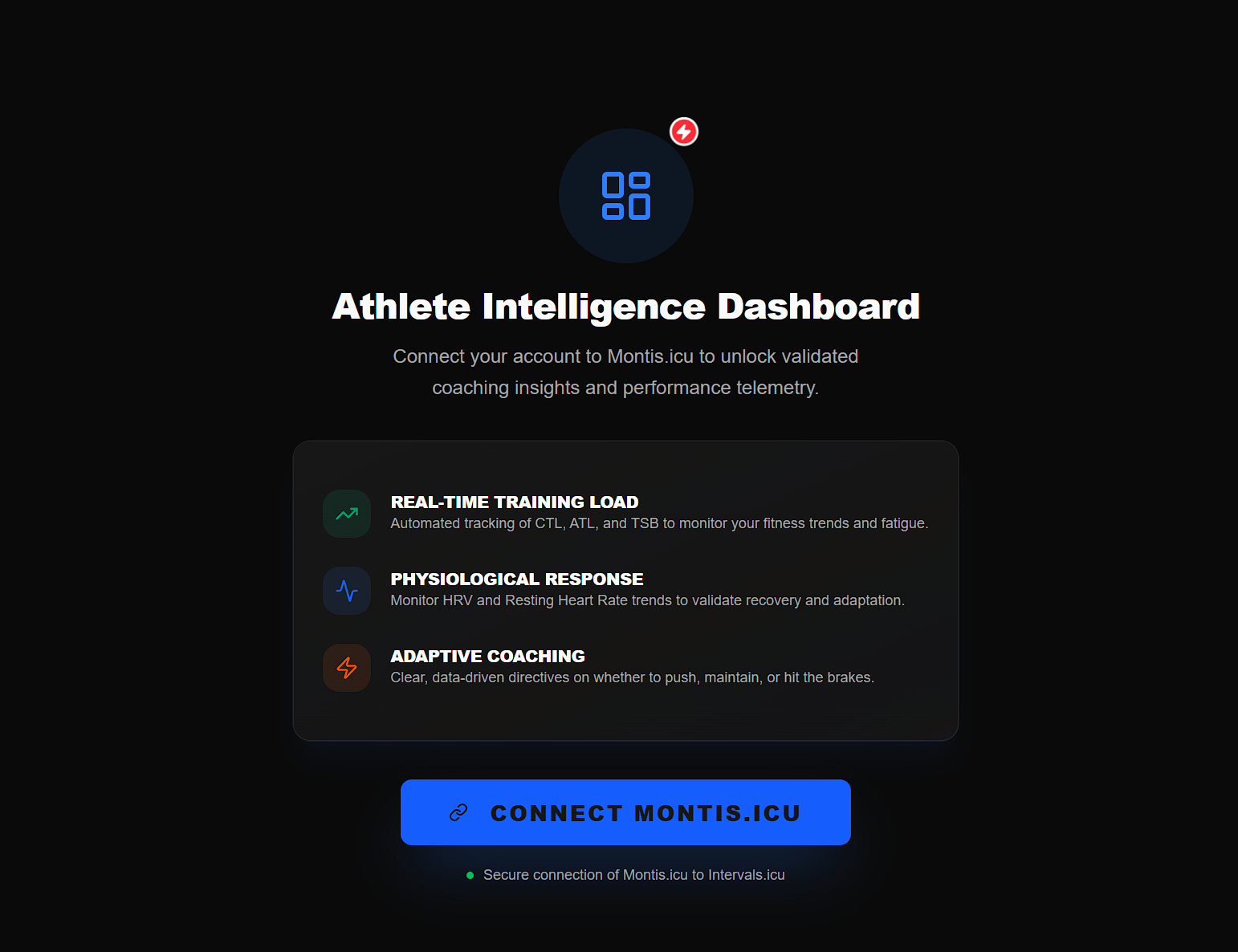
Step 1 — Connect Montis to Intervals
Select Connect to Montis to begin.
Step 2 — Authorize Intervals.icu
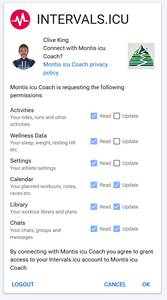
Approve the Intervals.icu authorization request without removing any requested permissions.
This allows Montis to read your athlete data and, where required, create or update calendar events.
Step 3 — Open the App
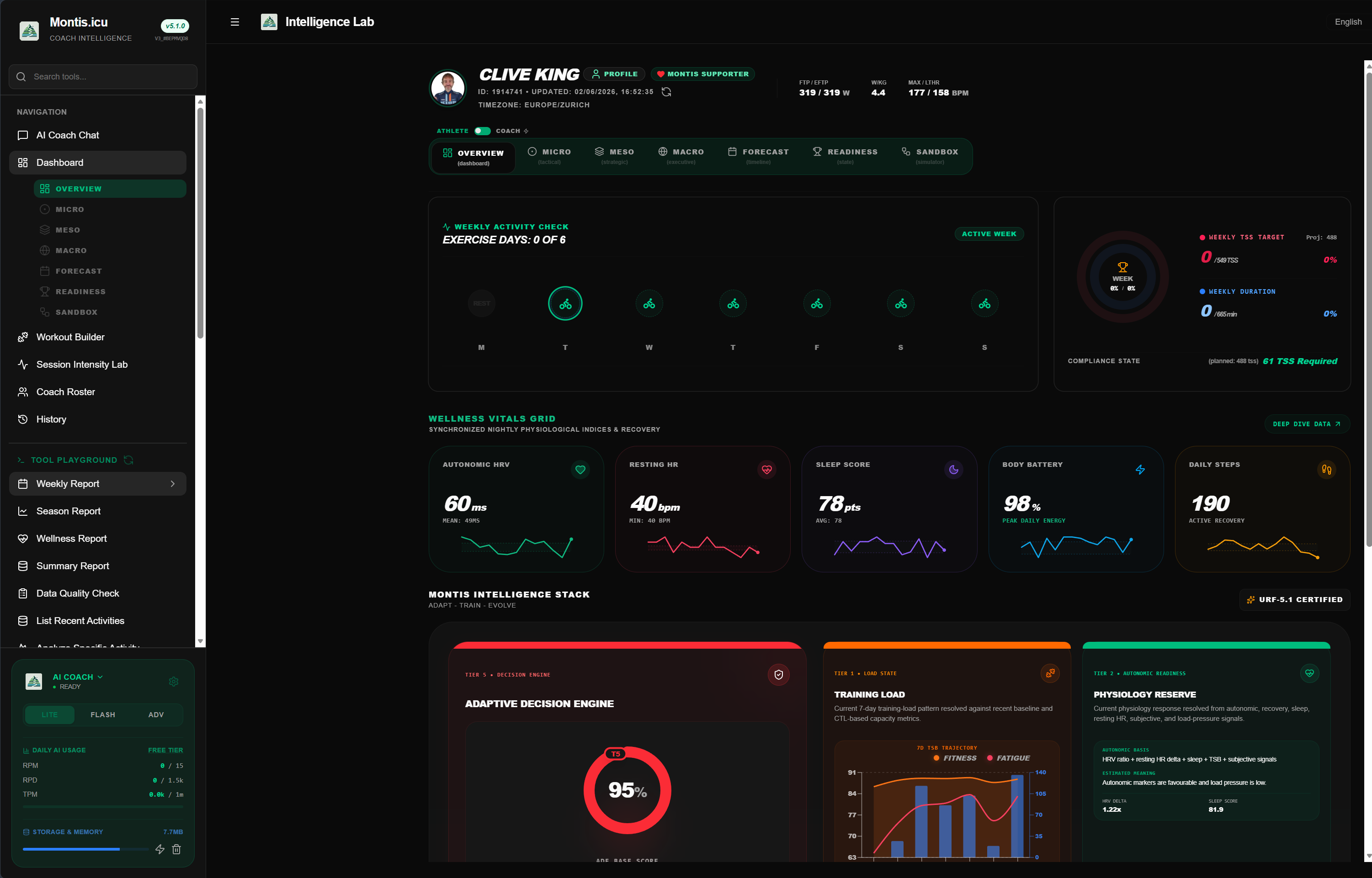
After authorization, return to the Montis Gemini App. Your athlete dashboard and non-AI tools are available without entering a Gemini API key.
Choose how Gemini AI usage is provided
The athlete dashboard and standard Montis tools do not require a Gemini API key. An AI access method is only required when using Gemini-powered coaching and report interpretation.
Option A — Montis Subscription
A Montis Subscriber or Subscriber Plus membership includes:
- Gemini AI usage allowance
- Lower-latency managed Gemini API access
- Coached-athlete tools
- Subscriber support
Subscribers do not need to create or maintain a personal Google Gemini API key while using their included Montis allowance. See Membership and AI Allowance.
Montis memberships on Buy Me a Coffee
Option B — Your own Gemini Free Tier key
You can continue using your own Google Gemini Free Tier API key. Generate one at:
No credit card is normally required for a Free Tier key. Availability and quotas are controlled by Google and may change.
Option C — Your own Gemini PAYG key
You can also use a Gemini API key connected to your own Google paid billing account. Usage and billing remain directly between you and Google.
Current Google pricing and limits: Gemini API pricing
Fallback behaviour
If your Montis subscriber allowance is exhausted, you can switch back to your own Free Tier or PAYG Gemini API key in the app.
Data usage
- Montis subscription: Gemini requests use the managed Montis allowance.
- Your own API key: Google account, billing, quota, and data-use terms apply.